20% off Demo Text

10 Tips for Buying the Best Corner Desks?

Choosing the right desk can change how a room feels and how efficiently you work. Corner Desks often promise more workspace, but their real value depends on dimensions, construction, and daily habits. A desk may look spacious online, yet feel cramped beside a filing cabinet or doorway.

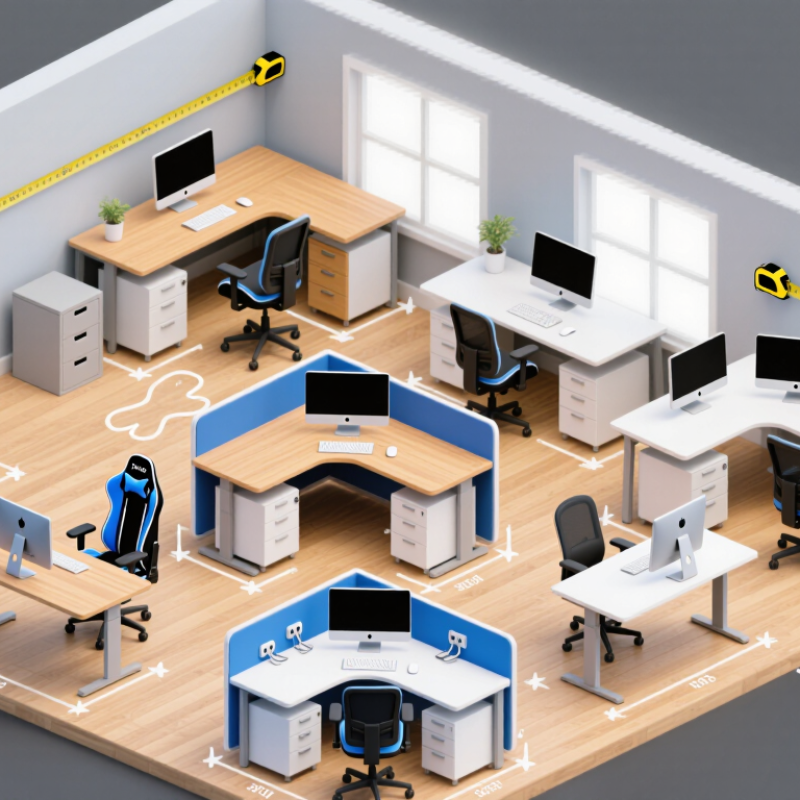
This guide explores ten practical tips for buying the best Corner Desks for home offices, gaming rooms, and shared workspaces. Measure both walls before shopping. Check the desk’s height, return depth, keyboard space, and cable openings. A simple paper outline on the floor can reveal whether drawers block your chair. Small details matter.

Quality deserves close attention. Look for stable legs, durable finishes, smooth drawer runners, and clear weight limits from the manufacturer. Consider whether the surface resists coffee rings, monitor scratches, and frequent cleaning. Ergonomic guidance also supports a monitor positioned near eye level, with your elbows resting comfortably beside the keyboard. These details are not merely decorative.

No desk fits everyone.

A left-handed user may need a different layout. A tall person may find standard dimensions uncomfortable. Personal experience often exposes weaknesses that product photos hide, including sharp edges or awkward cable channels. Even expert advice has limits when rooms, budgets, and working styles differ. Use verified specifications, warranty terms, customer feedback, and careful measurements together. The best choice is not always the largest model; it is the one that supports your work without crowding your room.

10 Tips for Buying the Best Corner Desks?

Define Your Space and Corner Desk Requirements

Before buying the best corner desk, define the space it must serve. Measure the two walls, doorway swing, window trim, and available walking area. Measure twice. A corner may look unused, yet radiators, outlets, or thick baseboards can reduce its practical depth. Mark the desk shape on the floor with painter’s tape. Sit inside the outline and check whether your chair moves freely.

Next, list your real work requirements. A laptop needs less surface than two monitors, speakers, notebooks, and a printer. Consider whether the longer side should face left or right. Check the desk’s height, legroom, storage, and cable openings. For comfortable computer work, your elbows should rest near a right angle, while the monitor sits close to eye level. A surface around 24 inches deep often supports a monitor and keyboard, but your equipment may require more room.

Think about daily habits, not idealized plans. I once selected a wide return for extra storage, then discovered it blocked a drawer. The mistake was measurable, but I ignored it. Use cardboard boxes to imitate shelves and drawers before ordering. Leave space for cleaning, ventilation, and future equipment. If you sometimes write by hand or join video meetings, reserve an uncluttered zone. A beautiful desk that restricts movement becomes frustrating quickly. Your corner desk should fit the room, your body, and the work you genuinely perform.

Compare Desk Shapes, Dimensions, and Available Workspace

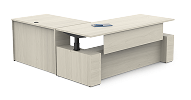
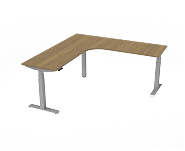
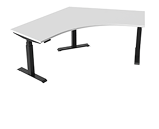
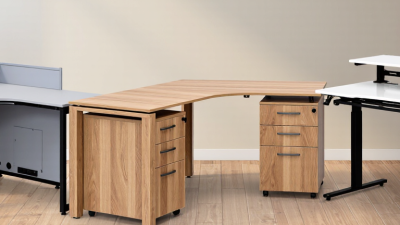
A corner desk should fit the room, not merely occupy an empty corner. Compare L-shaped, triangular, and curved designs before checking finishes or storage. An L-shaped desk provides two working zones, which suits a monitor, laptop, and paperwork. A triangular model saves floor space but often offers less usable depth. Curved corners improve movement, although they can reduce the straight edge available for shelves.

Measure both walls, the doorway, and nearby furniture before shopping. Record the measurements twice. A desk measuring 55 by 55 inches may look compact online, yet its deep sides can crowd a narrow room. A desktop depth of 24 to 30 inches usually supports a monitor and keyboard comfortably. Leave enough legroom beneath the return section. Test the chair position with the drawers open.

Available workspace matters more than the largest advertised surface. Mark the desk outline with painter’s tape, then place your monitor, keyboard, notebook, and lamp inside it. This quick test reveals awkward gaps and blocked movement. Keep the screen roughly at eye level and allow space for your forearms. I once chose a wide corner desk that looked practical, but one side became a storage pile. That mistake taught me to compare real working zones, not just total dimensions. A smaller desk can work better when every inch remains reachable.

10 Tips for Buying the Best Corner Desks? — Compare Desk Shapes, Dimensions, and Available Workspace

Desk shape and dimensions strongly affect usable workspace. This comparison uses representative desktop sizes and estimated usable surface areas, helping you balance room fit, monitor space, storage, and legroom before buying.

Evaluate Materials, Stability, and Weight Capacity

A corner desk must survive daily pressure, not just look attractive in photographs. I check the material around screw holes, because thin particleboard can loosen after repeated assembly. Solid wood offers repairability, while steel frames usually provide better resistance to racking. However, heavy materials do not automatically create a stable desk. Uneven flooring, weak joints, and narrow feet can still cause movement. Test it before buying.

The ANSI/BIFMA X5.5-2021 standard evaluates desk products through stability, static-load, and durability tests. Look for documentation referencing this standard, but do not confuse compliance with unlimited capacity. Manufacturers should state the maximum evenly distributed load and any separate monitor-arm limit. A 100-kilogram rating may drop sharply when weight concentrates at one corner. Place a loaded backpack near the edge and gently press the worktop. It should remain quiet and level. Do not guess.

The U.S. Bureau of Labor Statistics reported about 2.6 million nonfatal workplace injuries and illnesses in 2023. That figure does not prove a desk caused an injury, but it reinforces the value of stable equipment and sensible setup. OSHA’s Computer Workstations eTool also emphasizes stable work surfaces and adjustable arrangements. In practical use, I prefer a slightly lower capacity with stronger joints over an impressive number unsupported by testing. I once trusted a large printed rating and overlooked a flexible rear panel. That was a mistake. Check the underside, fasteners, and floor contact points before committing.

Check Storage, Cable Management, and Ergonomic Features

Buying a corner desk is less about its shape than its daily behavior. I once chose a large model with attractive shelves, but the narrow legroom made long work sessions uncomfortable. Measure the corner, doorway, and chair clearance before shopping. Leave enough space to move your knees freely. A desktop around 28 to 30 inches high suits many adults, but adjustable height is more reliable.

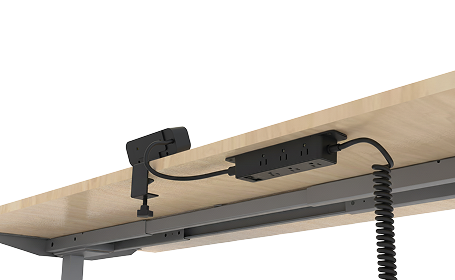
Inspect storage with your actual equipment in mind. A shallow drawer may hold notebooks, yet fail with a headset or power adapter. Open every cabinet and check whether doors hit the chair. Cable management deserves equal attention. Look for rear channels, grommets, and space beneath the desktop for a power strip. Separate charging cables from display cables where possible. This reduces tangles and makes faults easier to locate. Small details matter.

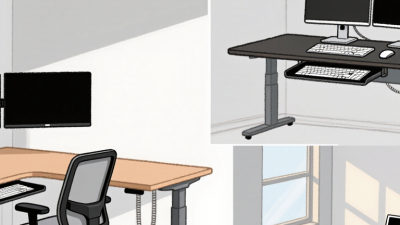
Ergonomic features should support neutral posture, not simply look technical. The monitor should sit near eye level, with the screen about an arm’s length away. A broad, flat edge can reduce pressure on your wrists. Rounded corners help in tight spaces. Adjustable feet are useful on uneven floors, though they may not eliminate every wobble. Test the desk with your chair before accepting it. Some attractive corner designs leave limited room for a footrest. That flaw is easy to miss online. Dimensions alone do not tell the whole story.

Set a Budget and Verify Quality Before Buying

A corner desk can turn unused space into a productive workstation, but the price tag should not lead the decision. Pew Research Center reported in 2023 that 35% of U.S. employees with remote-capable jobs worked from home all the time. That makes daily comfort a practical investment. Set a firm budget before browsing. Reserve 10–15% for delivery, assembly, cable management, or replacement hardware. Measure both walls, door clearance, and chair movement. A beautiful desk is useless if the drawer hits the doorway.

Check the desk’s material, joints, weight capacity, and warranty. Solid wood usually costs more, while engineered panels can perform well when edges are sealed and fasteners are reinforced. Ask for thickness measurements, not vague terms like “premium quality.” Inspect photos closely. Look for even seams, stable legs, smooth drawer runners, and a finished underside. The Business and Institutional Furniture Manufacturers Association publishes durability and safety standards for commercial furniture; certification or test documentation can provide stronger evidence than customer ratings alone. Not every seller offers it.

Test the working height with your elbows near 90 degrees. Confirm that the corner depth supports your monitor without forcing your neck forward. Leave space for cables and ventilation. I once ignored leg clearance and regretted it within a week. That shortcut was wrong. Compare the total cost, verify return conditions, and read recent reviews for recurring defects. A small wobble may be fixable; weak joints usually are not.