| 1. List the products you print | Examples include signs, promotional items, packaging prototypes, décor panels, and personalized products. | Record each product’s material, shape, surface finish, typical order size, and how often it is produced. | A machine suited to rigid sheets may not be the best fit for cylindrical objects or flexible media. |
| 2. Match the print area to the largest job | Identify the largest single item or sheet you expect to print, including any allowance for positioning and handling. | Compare the usable print area—not just the machine’s exterior or table dimensions—with your maximum job size. | A smaller bed can require multiple passes or repositioning for oversized work, adding setup time and alignment risk. |
| 3. Confirm material and thickness compatibility | List the substrates you actually use, such as acrylic, coated metal, glass, wood, or selected plastics. | Check supported material thickness, loading method, bed clearance, and whether the substrate needs cleaning, treatment, or a primer. | Ink adhesion and print quality vary by substrate and surface; compatibility should be tested on your own materials. |
| 4. Set a realistic production target | Estimate the number of finished pieces or square metres required per shift or week, and note peak periods. | Ask for production estimates using your artwork, substrate, print mode, number of passes, and curing settings. | Published maximum speeds may use draft settings and may not represent the quality or workflow your jobs require. |
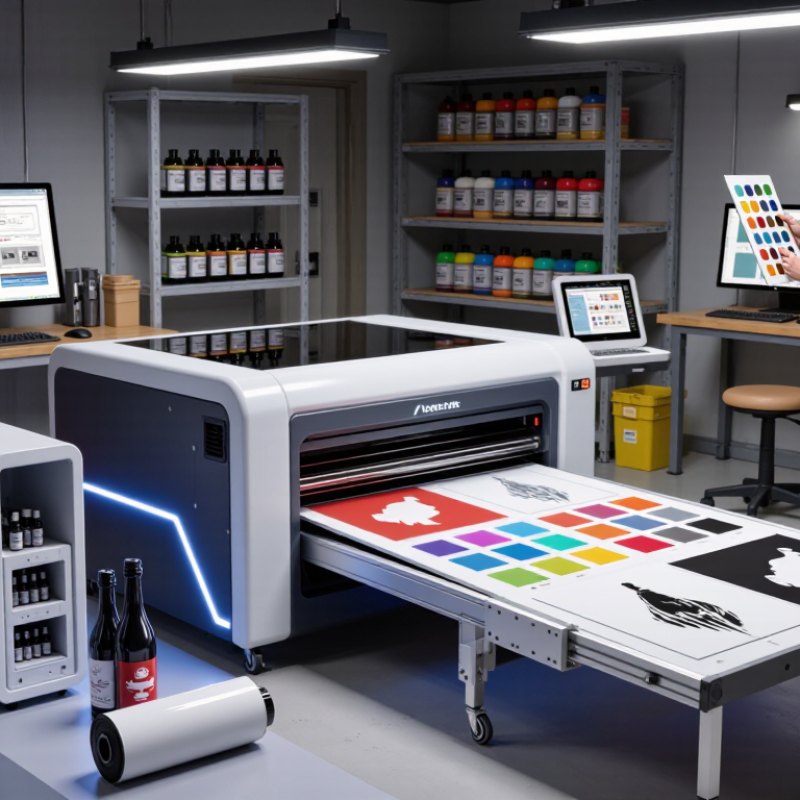
| 5. Choose print quality and ink options for the application | Decide whether your jobs prioritize fine text, smooth gradients, dense color, white ink, or effects such as clear varnish. | Review available ink channels and print modes, then inspect samples at the viewing distance and under the lighting used by customers. | White ink can support printing on dark or transparent materials; clear ink options can add spot effects where supported. |
| 6. Plan the full workflow and operating costs | Include artwork preparation, loading, printing, unloading, finishing, cleaning, and operator time. | Request estimates for ink use, routine maintenance, consumables, software, training, installation, and service coverage. | Purchase price alone does not show the ongoing cost or staffing needed to keep production running. |
| 7. Run a sample job before deciding | Choose a representative job that includes your most important substrate, artwork details, and finishing requirements. | Assess color, detail, adhesion, curing, handling time, and repeatability; ask how results may change with different materials or settings. | A practical test helps reveal whether the machine and workflow meet your real production goals. |