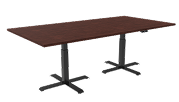
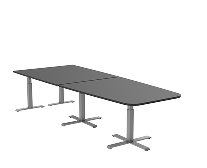
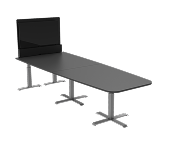
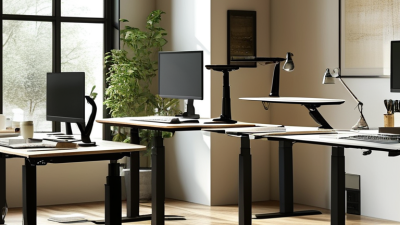
7 Tips for Choosing Height Adjustable Desks?
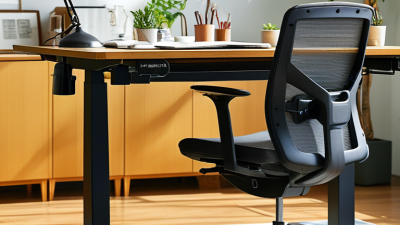
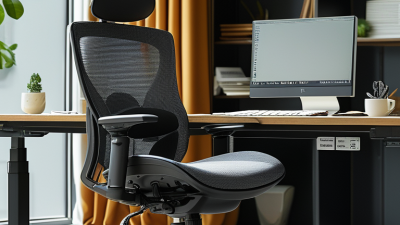
Choosing the right Height Adjustable Desks can change how a workday feels. A suitable desk may reduce awkward reaching, support better posture, and make movement easier. However, height adjustment alone does not guarantee comfort. The frame, desktop depth, control panel, and stability all deserve close attention.
This guide shares seven practical tips based on common workplace needs and hands-on comparison. I have seen desks that looked impressive online but shook when raised above standing height. One even had a control panel that responded slowly. That experience matters. A polished product page cannot replace careful testing. No desk is perfect. The goal is a reliable match for your body, equipment, room, and daily routine.
The discussion will examine height range, lifting capacity, motor performance, and desktop size. It will also consider noise, safety features, warranty coverage, and long-term value. A laptop user may need different support than someone using two monitors and a heavy desktop computer. Small details matter, such as whether cables remain secure during movement or whether the lowest setting suits shorter users. Manufacturer specifications provide useful evidence, but independent reviews and return policies deserve attention too. Some recommendations may not fit every budget or workspace. That is worth admitting. Thoughtful selection requires balancing comfort, durability, and realistic expectations rather than chasing the most expensive option.

Assess Your Work Needs and Available Desk Space
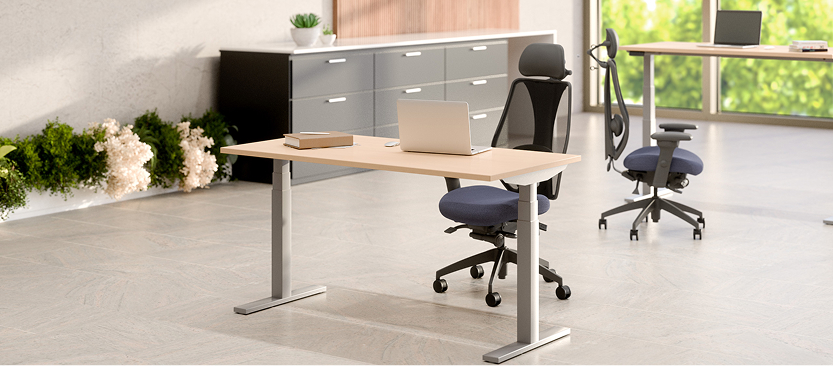
Choosing a height adjustable desk starts with your actual work, not a product photo. The U.S. Bureau of Labor Statistics reported that 22.3% of employed people worked from home on an average day in 2023. That number makes home-office space worth measuring carefully. Record your keyboard width, monitor depth, chair clearance, and walking path. Leave room for cables and a footrest. A desk that fits only when everything is perfectly arranged will become frustrating.
Tip: Match the desk to your work rhythm. Writers may need a smaller surface, while analysts often need two monitors, notebooks, and reference documents. The desk should support seated and standing positions without forcing your elbows away from your body. OSHA’s computer workstation guidance recommends keeping frequently used items within easy reach and maintaining neutral wrist and shoulder positions. Height range matters, too. Measure your elbow height while seated and standing. Do not rely on advertised “standard” dimensions.
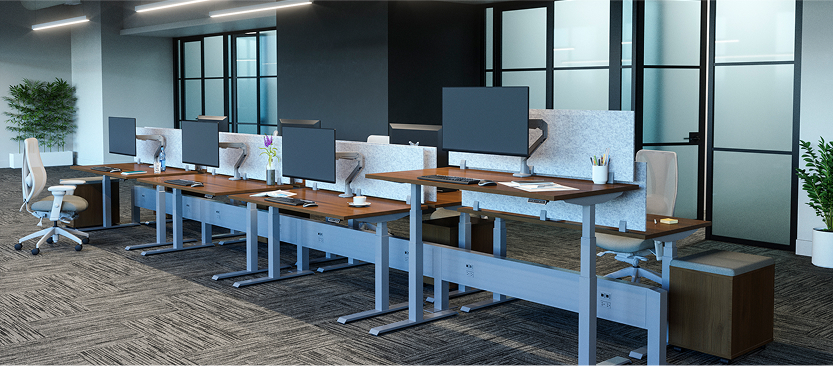
Tip: Test the available space before buying. The International Data Corporation’s home-work research has repeatedly identified limited workspace as a common remote-work challenge. Measure doorways, wall outlets, and the desk’s full movement area. A compact room may need a narrower top, while a shared office needs quieter movement. I have seen people prioritize a large surface, then discover that the monitor blocks a window. That mistake is easy to avoid, but many buyers still make it. A small paper mock-up can expose the problem before installation.
Review Safety Functions, Durability, and Overall Value
Choosing a height-adjustable desk requires more than a smooth motor and attractive tabletop. Use these seven checks.
1. Test stability at full height. A monitor should not wobble while you type.
2. Inspect collision protection. The desk should stop or reverse near furniture.
3. Verify load capacity, including monitors, arms, speakers, and cable trays.
According to OSHA, awkward postures and repetitive tasks are recognized ergonomic risk factors. Proper adjustment can reduce strain, but it cannot correct every workstation problem.
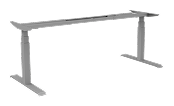
4. Examine frame construction, weld quality, and control-switch testing. ANSI/BIFMA X5.5 standards emphasize stability, strength, and durability testing. Ask for documented results, not vague claims.
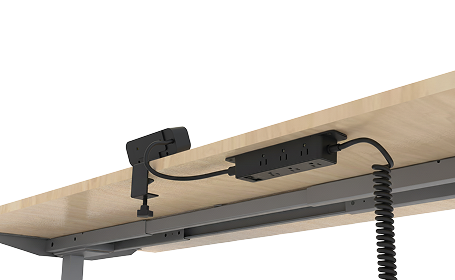
5. Check the motor’s duty cycle. Quiet movement is useful, but repeated adjustments expose weak components. Raise the desk with a loaded surface, then lower it several times. Listen for clicking, uneven movement, or heat near the control box. One overlooked issue is cable management. A tight cable can pull equipment down as the desk rises.
6. Compare the height range with your seated elbow and standing screen positions. The lowest setting matters for shorter users.
7. Judge overall value through warranty length, replacement-part access, energy use, and repairability. A Cochrane review of workplace sit-stand interventions reported sitting-time reductions from roughly 30 minutes to two hours daily, depending on study design. Broader health benefits remain less certain. I would pay more for stable movement and accessible parts, but price alone cannot prove safety. Measure twice.